FreeBackground remover
Remove the background from any photo
One click and the background is gone: people, products, pets, cars, hair and fur. Free, unlimited, and your photos never leave your device.
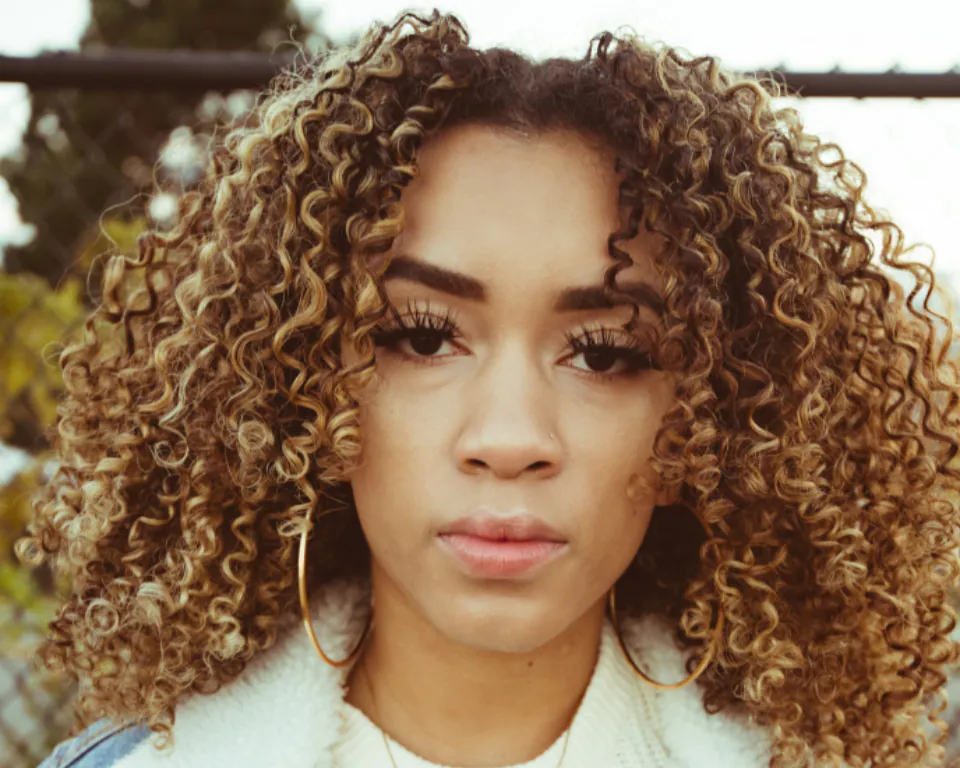
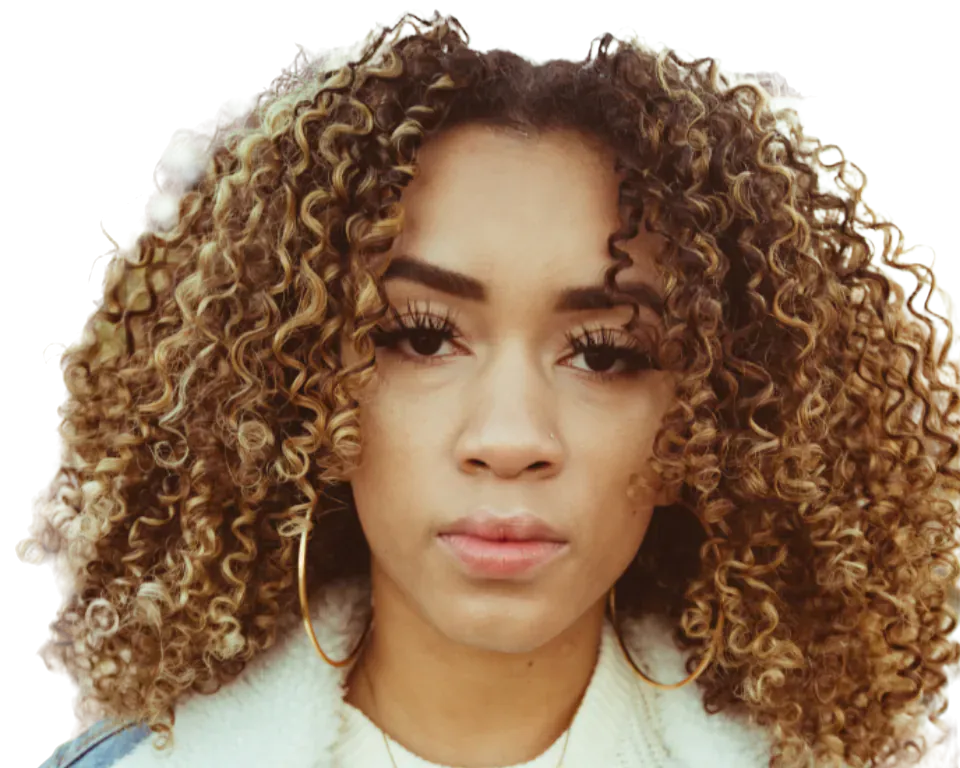
How it works
- 1Open a photoDrop a JPEG, PNG, WebP, HEIC, PSD or RAW file onto the page.
- 2Click Remove backgroundThe AI finds the subject and cuts it out. Paint to add or remove anything it missed.
- 3DownloadSave a transparent PNG or WebP, or put the cutout on a new colour or background.
Why CutLift
- Unlimited and freeNo credits, no per-image price, no watermark. Remove as many backgrounds as you like.
- PrivateThe AI runs on your own computer or phone. Your photos are never uploaded to a server.
- Clean edgesRefine edges for hair and fur, smooth or feather the outline, and fix anything with a brush.
- Full editor includedAdd a new background, shadow, text, crop for social media, or keep editing with layers.
Free and unlimited. CutLift Pro adds batch processing, upscaling, sky replacement and studio exports for $4.99/month.
Questions
Is the background remover really free?
Yes. Background removal is unlimited on the free plan, and transparent PNG and WebP downloads are free with a free account. There are no credits and no watermark.
Are my photos uploaded?
No. The AI runs in your browser, on your device. Your photos never leave your computer or phone.
Can it handle hair and fur?
Yes. Use Refine edges (soft) for hair and fur. CutLift Pro adds AI hair and fur refinement for the finest edges.
What can I do after removing the background?
Download a transparent PNG, add a colour or photo background, add a shadow or outline, resize for social media and marketplaces, or keep editing with layers.
More free AI tools
- Make any image background transparentTransparent PNG
- Remove anything from a photoObject remover
- Blur the background, keep the subject sharpBackground blur
- A free AI photo editor in your browserPhoto editor
- The Photoshop tools you use, free in your browserPhotoshop alternative
- Open PSD files online, with their layersPSD viewer
- Clean product photos for your storeProduct photos
- Remove backgrounds from a whole folder at onceBatch · Pro
- Upscale photos 2× and 4× with AIUpscaler · Pro
- Swap a dull sky for a beautiful oneSky replacement · Pro
- Segment and label images in your browserSegmentation & datasets
- Fill any area with AIGenerative fill